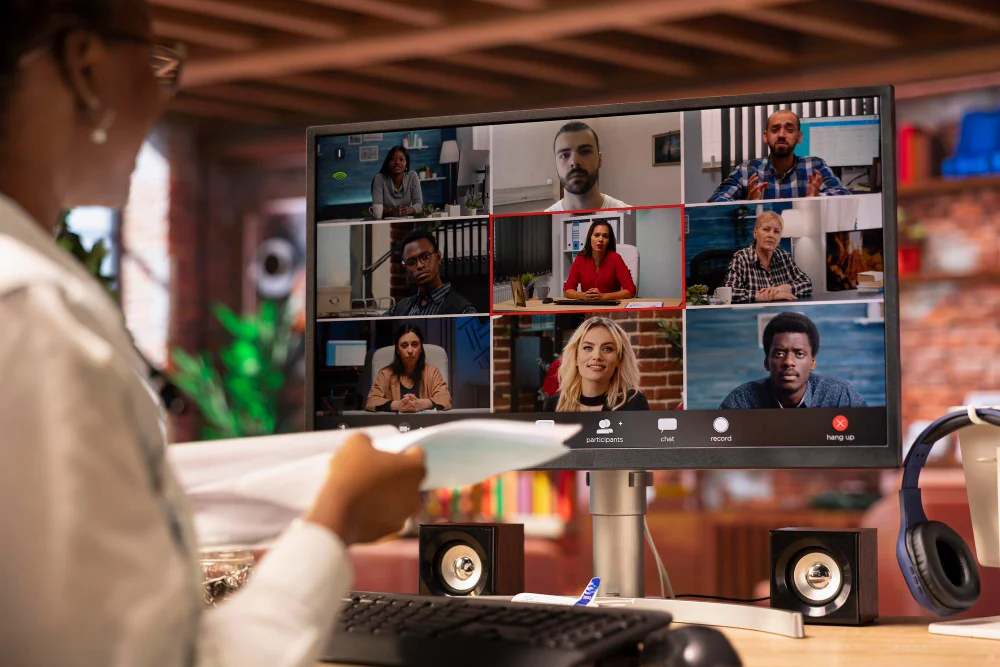
“But what about time zones?”
This is the most common objection to hiring remote talent. And it makes sense. If your developer is in India and you’re in California, how do you collaborate when their day is your night?
Here’s the reality: time zones are only a problem if you approach remote work with an office mindset.
Most companies think remote work means “doing office work from home.” That’s wrong. Remote work is fundamentally different. Once you understand that, time zones become an advantage, not a problem.
The Office Mindset vs. The Remote Mindset
Office mindset: “I need my team available 9-5 so I can walk over and ask questions whenever I want.”
Remote mindset: “I need work completed well. Real-time availability matters for specific situations, not everything.”
The office mindset breaks immediately with remote teams. You can’t walk over to someone’s desk in Bangalore when you’re in Boston.
The remote mindset works because most knowledge work doesn’t actually require real-time collaboration.
What Actually Needs Real-Time Collaboration?
Let’s be specific about when you truly need someone available at the same time as you:
For marketing roles (PPC, SEO, content):
- Kickoff meetings for new projects
- Weekly strategy calls
- Urgent client issues (rare)
- Training and onboarding (first 2-4 weeks)
For development roles:
- Architecture discussions
- Code review discussions (occasionally)
- Sprint planning meetings
- Critical bug fixes (rare)
For operations roles:
- Process setup and documentation
- Weekly check-ins
- Escalations that can’t wait
Notice the pattern? These are maybe 3-5 hours per week of true real-time needs. The other 35-40 hours are independent work that doesn’t require you both to be online simultaneously.
How Much Overlap Do You Actually Need?
For most roles: 4-6 hours of overlap is plenty.
Here’s why that works:
Your remote team member adjusts their schedule to overlap with your core business hours. Someone in India working with a US East Coast company might work 10am-7pm IST, which is 11:30pm-8:30am EST. That gives you 11:30am-5pm EST overlap (5.5 hours).
During that overlap window:
- You can have meetings
- They can respond to Slack messages in real-time
- Urgent issues get handled
- Quick questions get answered
Outside that window:
- They work independently on assigned tasks
- They document decisions and progress
- You review their work asynchronously
- Communication happens via recorded videos or written updates
This actually works better than full-time office overlap because there are fewer interruptions. They have focused work time, you have focused work time, and you sync up during the overlap.
Using Time Zones to Your Advantage
Here’s what most people miss: time zone differences can actually accelerate work.
Example 1: Development
You’re in San Francisco. Your developer is in Bangalore (12.5 hour difference).
Your day:
- 9am: You review code from overnight
- 10am: You leave feedback in GitHub
- 11am-5pm: You work on other things
- 5pm: You assign new tasks
Their day (while you sleep):
- 9:30pm your time / 10am their time: They see your feedback
- They fix issues and push new code
- They complete the new tasks you assigned
- They document what they did
Next morning:
- 9am your time: New code is ready for review
- You’re essentially getting 24-hour productivity cycles
This is why many companies say their development actually speeds up with remote teams. Work doesn’t stop when you log off.
Example 2: Marketing
Your PPC specialist is in the Philippines (12-16 hour difference depending on location).
You review campaign performance in the morning. You leave notes about what to optimize. They make the changes overnight. You wake up to improved campaigns.
For campaign optimization, landing page updates, content creation, and reporting, async work is often better than real-time work because it’s less interrupted.
How to Make Time Zones Work
Here’s the practical framework:
1. Set Clear Overlap Hours
Pick 4-6 hours where you both agree to be online.
Example schedules:
India to US East Coast: Remote team member works 10am-7pm IST = 11:30pm-8:30am EST Overlap: 11:30am-5pm EST (5.5 hours)
India to US West Coast:
Remote team member works 8am-5pm IST = 9:30pm-6:30am PST Overlap: 9:30am-1pm PST (3.5 hours)
Philippines to US East Coast: Remote team member works 9pm-6am PHT = 9am-6pm EST Overlap: 9am-6pm EST (full day, if needed)
Your remote team member shifts their schedule. This is normal and expected.
2. Over-Communicate Asynchronously
Since you’re not in the same room, write things down.
Daily standup (async): Every morning, your remote team member posts in Slack:
- What I completed yesterday
- What I’m working on today
- Any blockers or questions
Takes them 5 minutes. Gives you full visibility.
Loom for complex explanations: Instead of scheduling a 30-minute call to explain something, record a 5-minute Loom video. They watch it when they’re online, ask follow-up questions via Slack or email.
Document everything: Use Notion, Google Docs, or your project management tool to document:
- Decisions made
- Processes to follow
- Context for projects
- Progress updates
This helps everyone stay aligned without constant meetings.
3. Use Overlap Time Strategically
Don’t waste overlap hours on things that could be async.
Good use of overlap time:
- Weekly strategy call
- Kickoff meeting for new project
- Training or onboarding
- Resolving blockers that need discussion
Bad use of overlap time:
- Status updates (use Slack)
- Reviewing work (do it async and leave comments)
- Asking simple questions (Slack or email)
Protect the overlap time for things that truly benefit from real-time discussion.
4. Set Response Time Expectations
Be clear about what needs immediate response vs. what can wait.
Urgent (respond within 1-2 hours during overlap):
- Client emergency
- Critical bug affecting production
- Time-sensitive decision needed
Standard (respond within 24 hours):
- Questions about tasks
- Feedback on work
- Routine updates
Non-urgent (respond within 48 hours):
- Ideas or suggestions
- Process improvements
- General questions
When everyone knows what’s urgent vs. what’s not, there’s no stress about response times.
5. Have a Monthly Sync Meeting
Once a month, schedule a longer call (60-90 minutes) during overlap hours for:
- Review of the month’s work
- Discussion of what’s working and what’s not
- Planning for next month
- Career development and feedback
This builds the relationship beyond just task execution.
Common Time Zone Concerns (Answered)
“What if there’s an emergency at 2am my time?”
Real emergencies are rare. In 3 years of running remote teams, we’ve had maybe 5 situations that truly couldn’t wait 8 hours.
For actual emergencies, your remote team member should have your phone number and permission to call. But define “emergency” clearly so you’re not getting woken up for non-urgent issues.
“What about spontaneous collaboration and brainstorming?”
Schedule it during overlap hours. “Spontaneous” collaboration often isn’t that valuable anyway. Planned collaboration with prep time is usually better.
“Won’t they feel disconnected from the team?”
Only if you exclude them. Include them in team meetings (even if it’s an odd hour for them). Add them to Slack channels. Invite them to virtual team events. Treat them like team members, not contractors.
“How do I know they’re actually working?”
Judge output, not hours. Did they complete the tasks? Is the quality good? That’s what matters.
If you need time tracking, use tools like Hubstaff or Time Doctor. But most companies find that when someone is delivering good work consistently, tracking hours becomes unnecessary.
Real Example
A SaaS company in Austin hired a full-stack developer in Bangalore.
Their initial concern: “How will we collaborate on complex features with a 10.5 hour time difference?”
What actually happened:
They scheduled overlap from 10am-2pm CST (developer worked 8:30pm-12:30am IST for overlap).
During overlap:
- 15-minute daily standup
- Architecture discussions as needed
- Code review discussions (maybe 2x per week)
Outside overlap:
- Developer completed features overnight (Austin time)
- Documented decisions in Notion
- Left comments in GitHub for anything needing review
- Sent Loom videos explaining complex changes
After 3 months, the CEO said: “I honestly forget he’s in India. Pull requests are always ready when I log in. Response time during our overlap is instant. It just works.”
They’ve since hired 3 more remote developers.
The Bottom Line
Time zones aren’t a problem if you design work correctly.
Stop thinking “I need someone available 9-5 my time” and start thinking “I need high-quality work completed reliably.”
Most knowledge work doesn’t need real-time collaboration. The 10-20% that does can happen during 4-6 hours of overlap.
The rest of the time, async communication and clear documentation work better than being in the same room anyway.
Companies that figure this out get access to global talent at 60-70% cost savings. Companies that insist on full-time overlap limit themselves to expensive local markets.
Your choice.
Ready to build a remote team? We help you find specialists who overlap with your business hours and know how to work asynchronously. See available talent or tell us what you need.